
Running the AirGradient ONE in Offline Mode
Offline mode allows the AirGradient ONE to operate without connecting to Wi-Fi. Sensor readings remain active and visible on the display. No data is sent to the AirGradient dashboard while running in offline mode.
How to enable Offline Mode
-
Locate the BOOT button
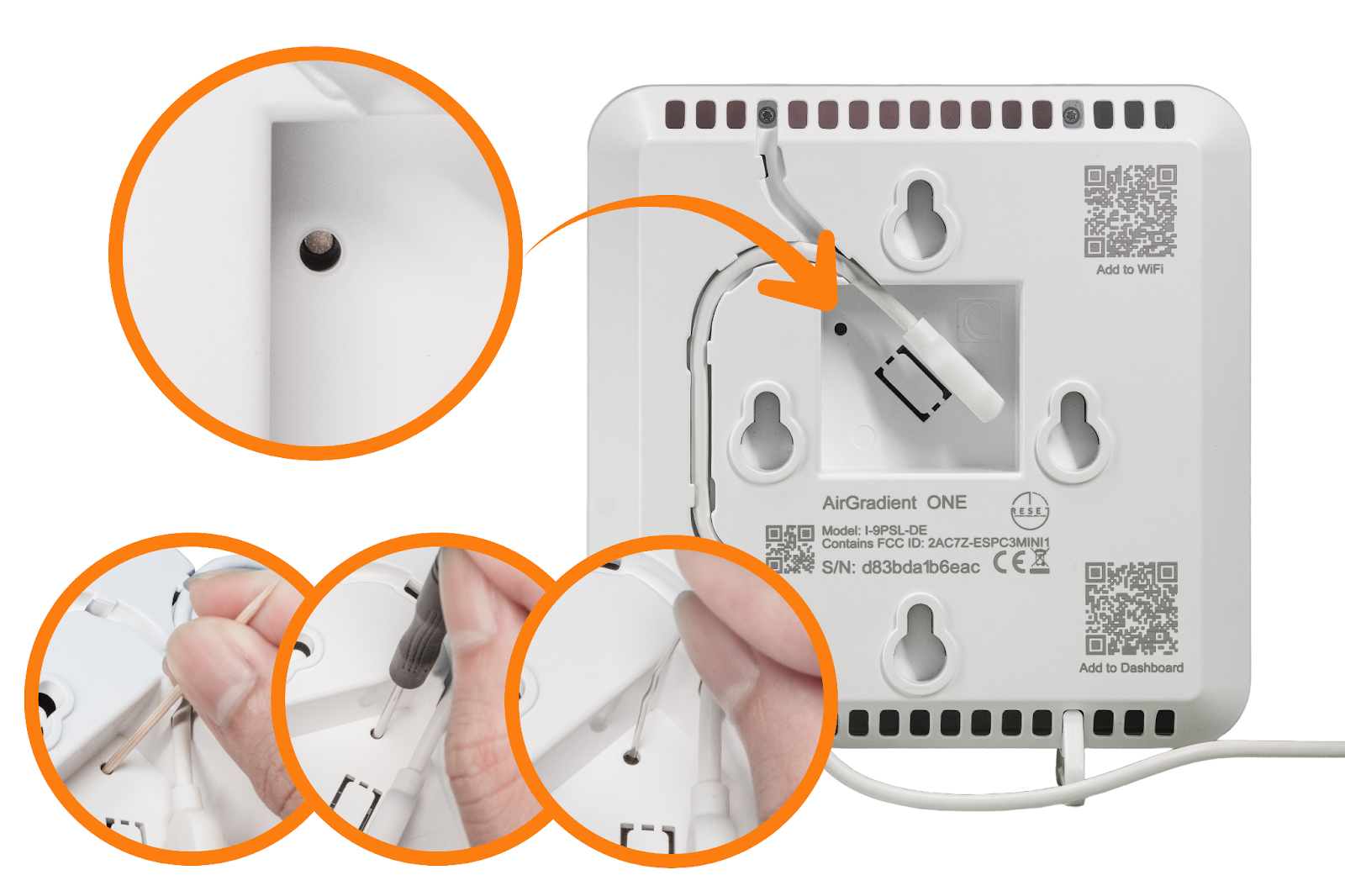
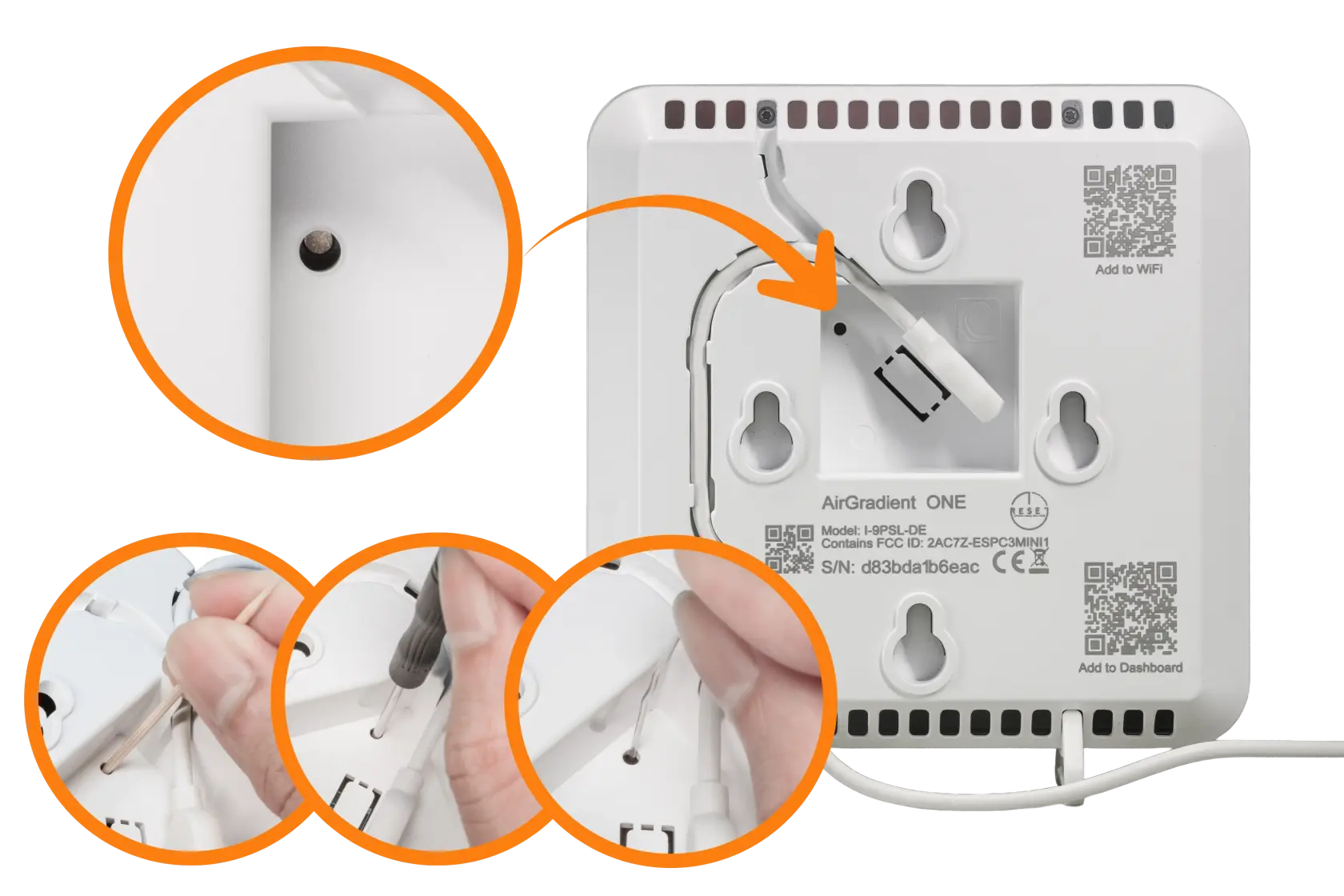
On the back of the monitor, next to the USB connector, there is a small hole.
Inside is the BOOT button that can be pressed using a small screwdriver or pin.
-
Power on / power cycle the monitor if it was already on.
-
Wait for the prompt
During startup, the display will show the message: “Press now for offline mode”

-
Press the BOOT button
Press the BOOT button through the hole while this message is shown.
-
Confirm Offline Mode
If successful, the display will show: “Offline mode = true”
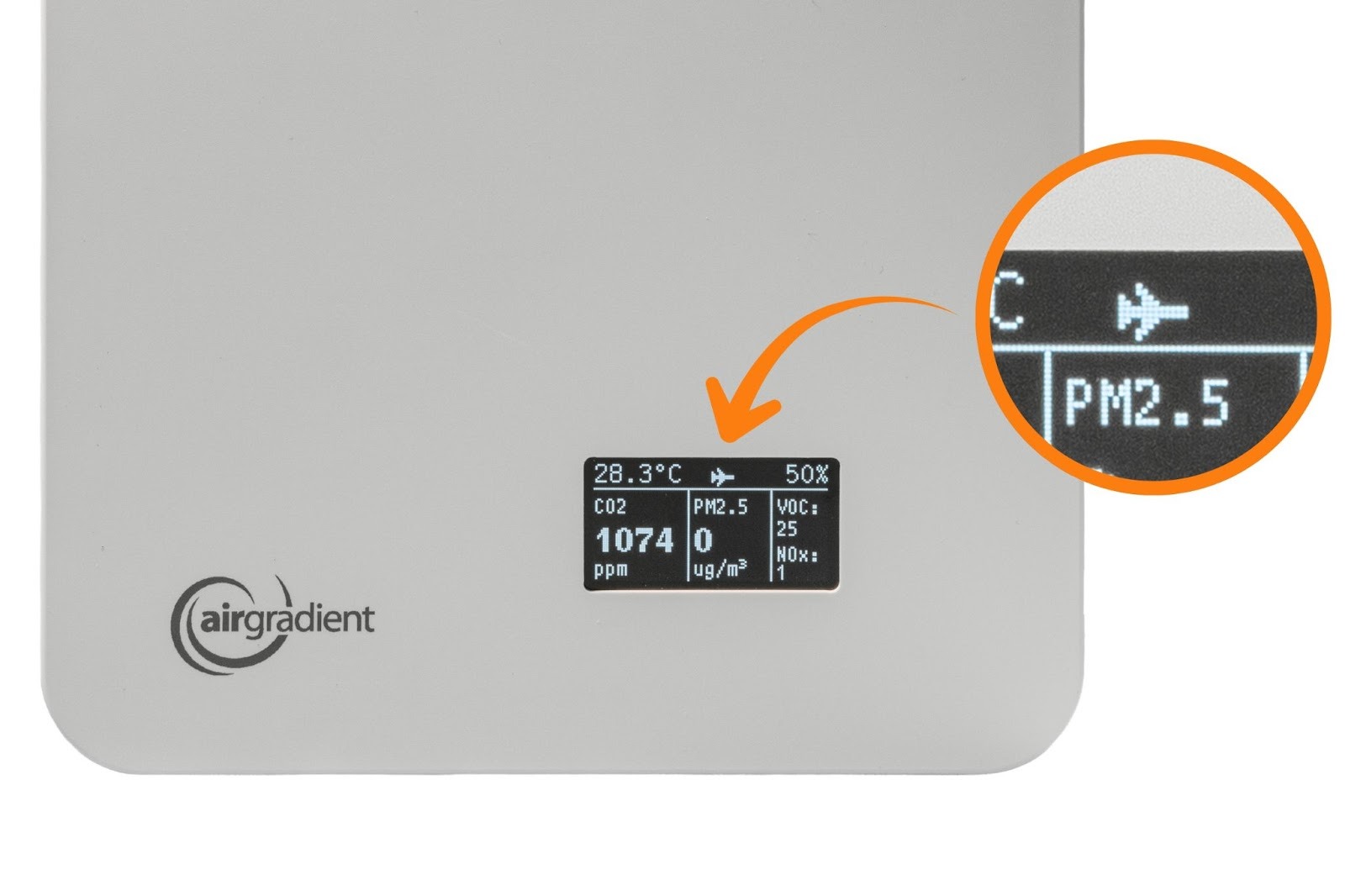
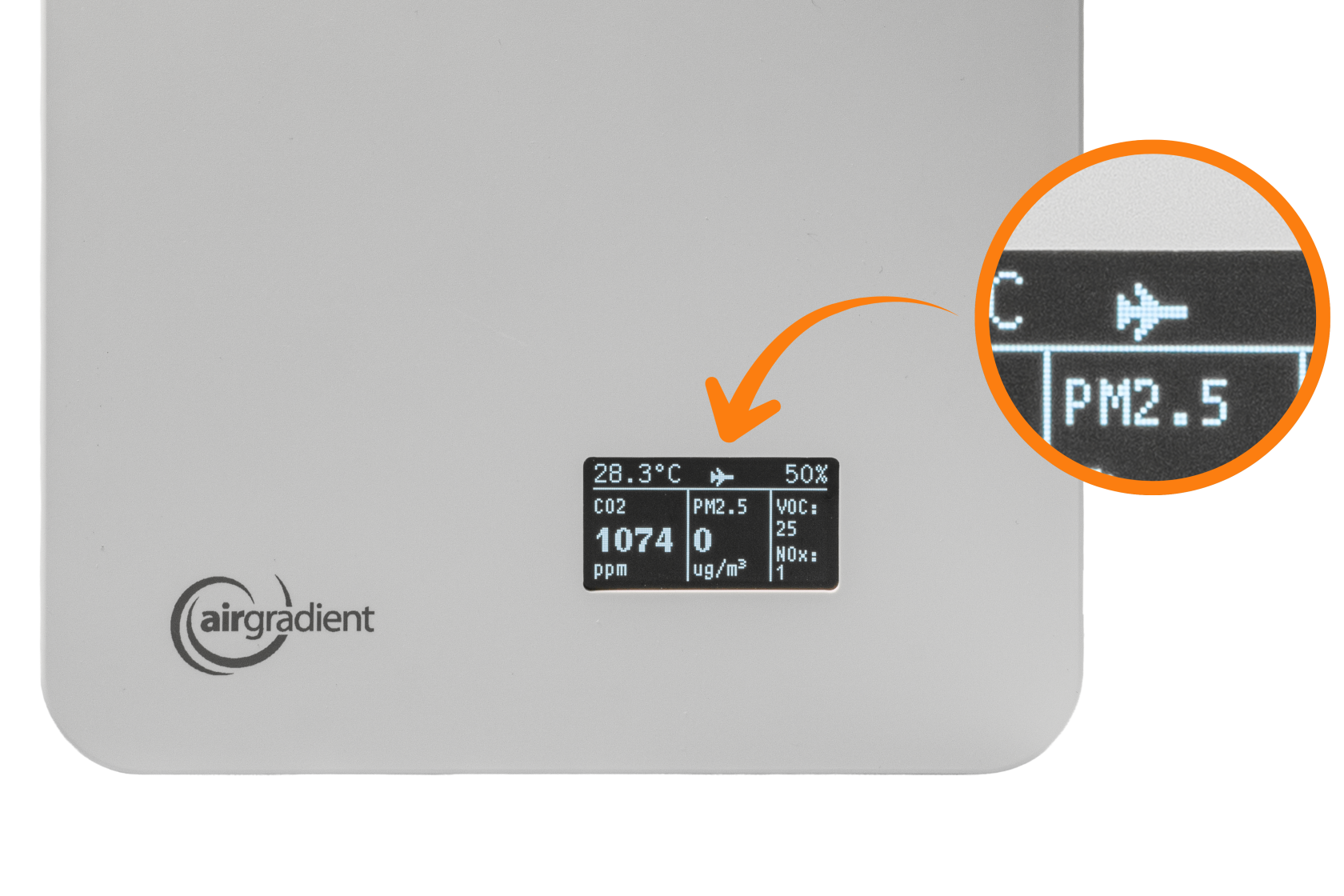
The monitor will now run fully offline. The display will have an airplane mode icon:
Switching back to Online Mode
To return the monitor to normal (online) operation:
-
Repeat the same steps above
-
When prompted, press the button again during startup
The display will confirm that offline mode is disabled with the message: “Offline mode = false” and the airplane icon will disappear.