
Temperature & Humidity Sensor Calibration
Indoor Monitors
Indoor AirGradient monitors generally do not require calibration as the sensors are directly exposed to ambient air so the readings are accurate by default.
But if needed, you can apply an offset by going to Dashboard > Locations > Admin > Edit Calibration > Temperature/Relative Humidity
Here you can apply a custom scaling factor and offset:
Outdoor Monitors
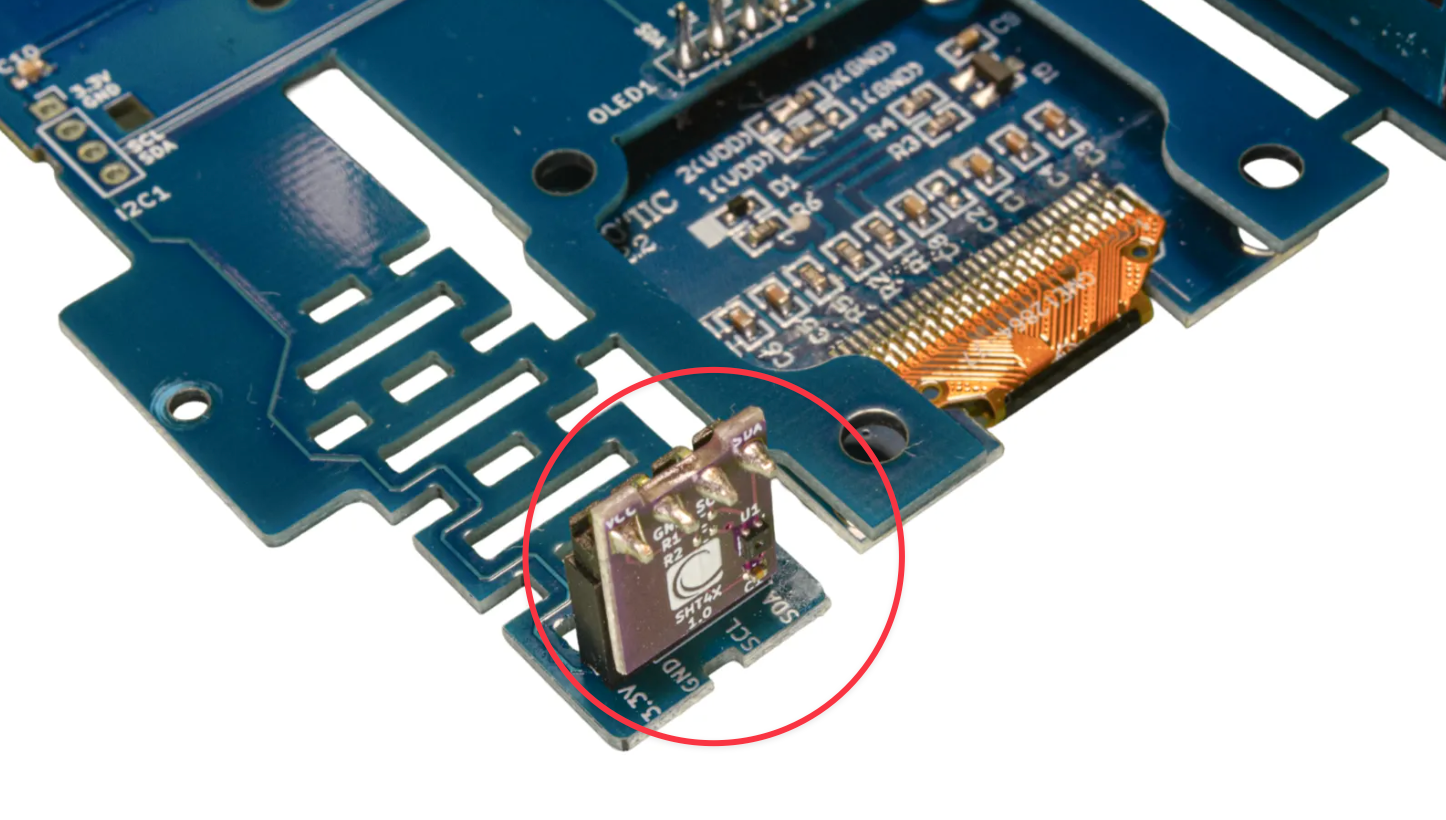
For the Open Air, the temperature and humidity sensor is located inside the enclosure so heat buildup and airflow limitations can affect readings.
To compensate for this, we provide an Open Air Standard Calibration formula
This can be enabled in the dashboard: Dashboard > Locations > Admin > Edit Calibration > Temperature/Relative Humidity
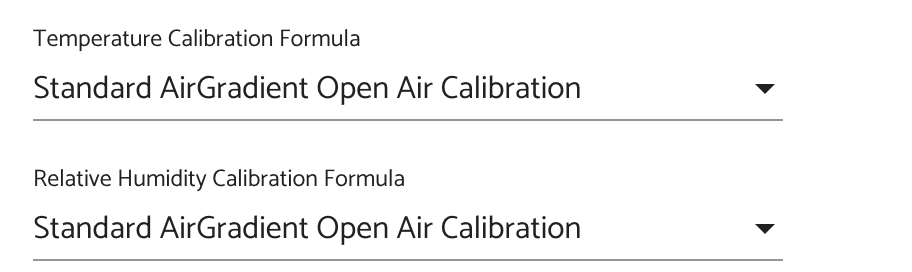
Without this correction, outdoor temperature and humidity readings from the Open Air may be incorrect, especially if the monitor is placed in direct sunlight.
No comments to display
No comments to display