
Powering the AirGradient Open Air
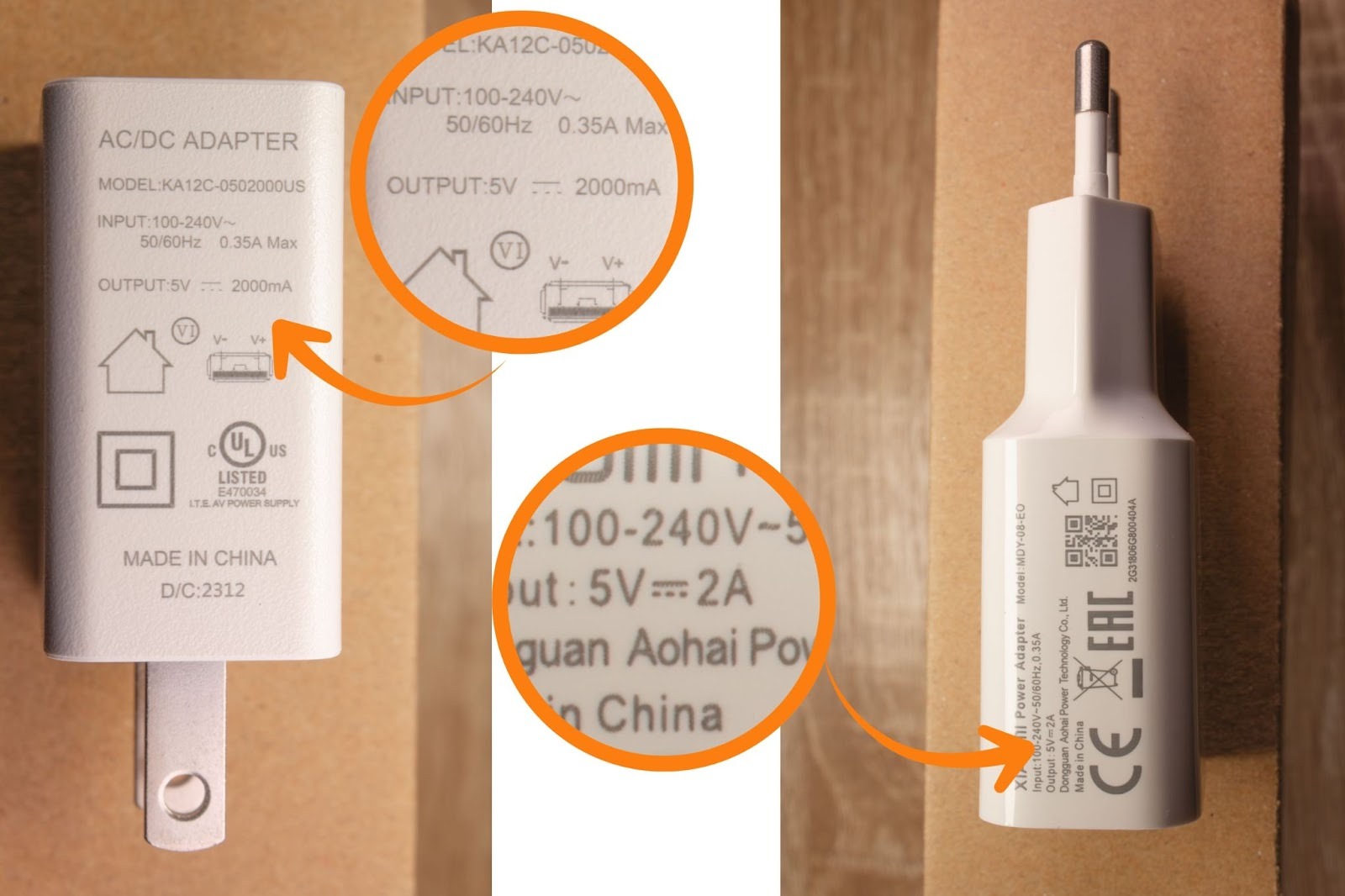
Use a standard 5V, 2A USB power supply (not included). Most phone chargers meet this requirement.
You will likely have one of these lying around your house from a smartphone or another device.
-
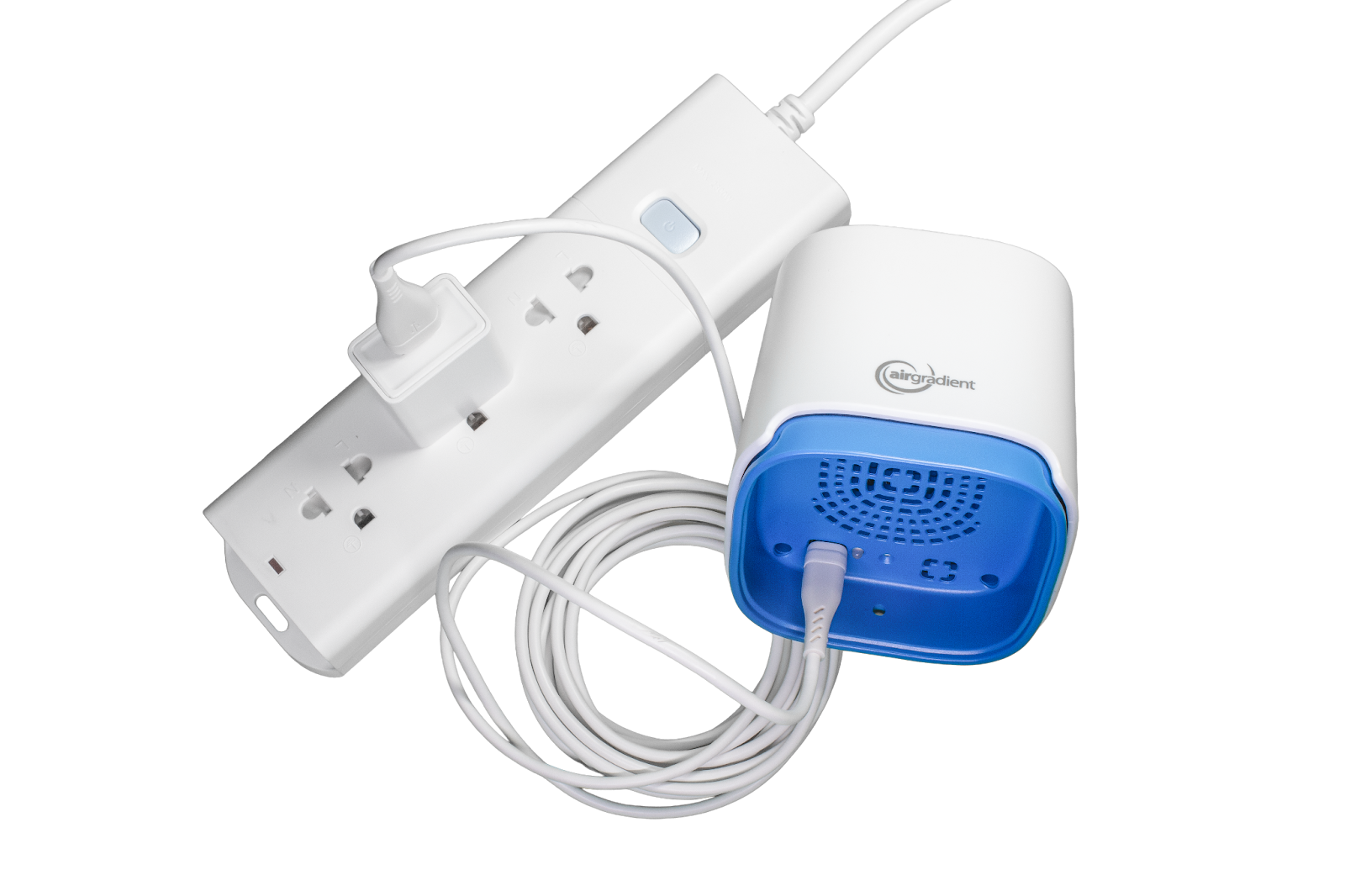
Connect the USB-C end of the included cable to the AirGradient Open Air
-
Connect the USB-A end to the USB power supply
-
Plug the power supply into an AC outlet
Power-related issues
If the device does not turn on, restarts unexpectedly, or shows unstable behavior (such as sudden CO2 spikes or missing PM data), the power supply is the most likely cause.
What to do
-
Try a different USB power adapter
-
Avoid low-quality or low-current chargers
-
Do not power the device from a computer USB port or underpowered hub
Stable power is critical for reliable operation.
No comments to display
No comments to display