
Where can I find the factory test report for my AirGradient monitor?
Only fully assembled units have a factory test report, DIY kits do not include a test report, because they are not assembled or calibrated at the factory. If you built a DIY kit, your unit will not have a test report.
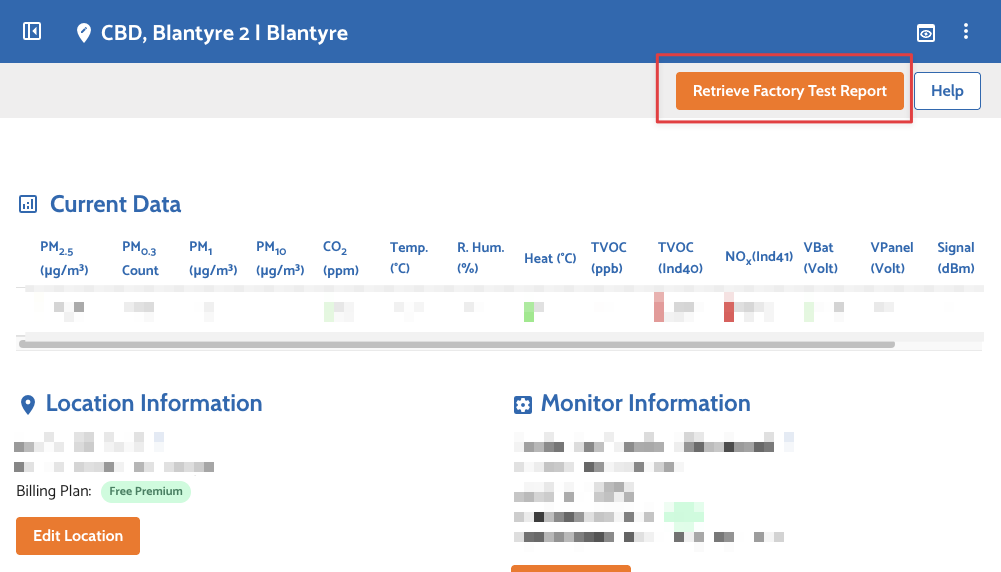
You can access the report directly from the Dashboard:
Steps:
- Open the AirGradient Dashboard

- Go to the device and click the Admin (gear) icon

- In the top-right corner, click “Retrieve Factory Test Report”


What you’ll see in the report
- PM2.5 calibration data
- Scaling factor and offset applied to your monitor
- Testing graph showing how your device performed against the reference instrument
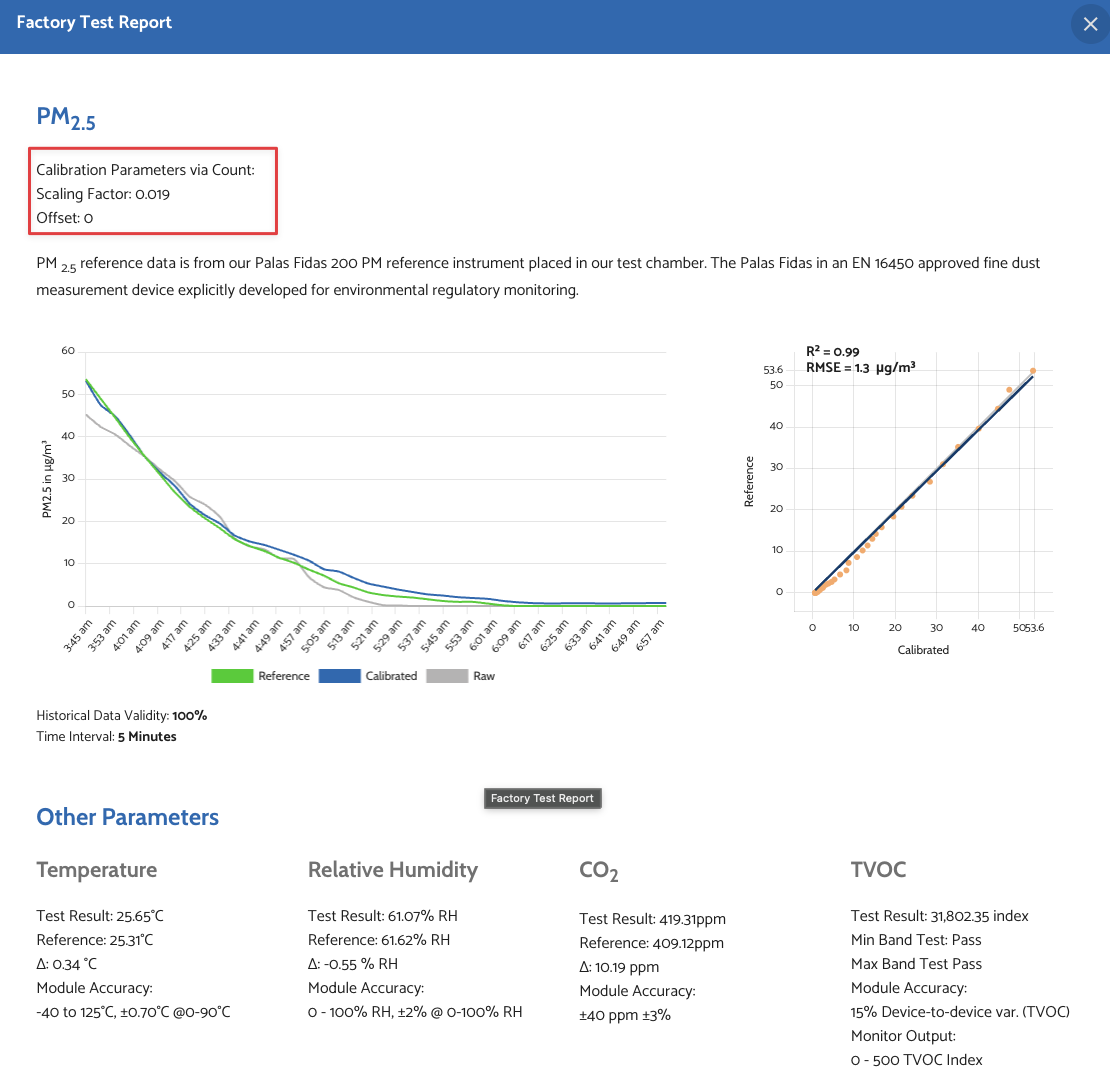
This report is tied to your device’s serial number, and the calibration is automatically applied when the device is registered.
No comments to display
No comments to display